
100% private · no upload
Signature background remover
Remove white paper, shadows, and empty space from a signature photo. Download a clean, transparent PNG in seconds.
- Free to use
- No sign-up
- Transparent PNG
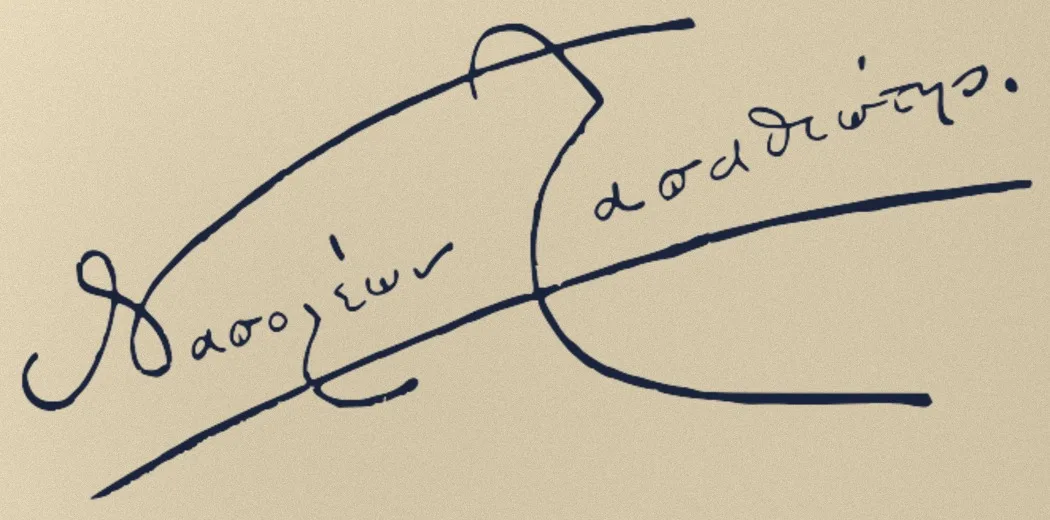

FREE ONLINE TOOL
Make your signature transparent
Best for a signature photographed or scanned on white or light-colored paper.
Processed on this device
Your signature stays private. Processing happens locally in your browser.
Tip: you can also drag and drop an image anywhere inside the tool.
HOW IT WORKS
From paper to transparent PNG in three steps
No editing software, manual selection, or account required.
-
01
Upload a signature
Use a clear photo or scan with the signature roughly centered on light paper.
-
02
Refine the result
Adjust the removal strength and choose the original, black, or blue ink color.
-
03
Download the PNG
Save a tightly cropped transparent image, ready for Word, PDFs, and documents.
REALISTIC EXAMPLES
Built for imperfect signature photos
Light shadows, faded scans, notebook lines, and blue ink are handled without sending the image to a server.

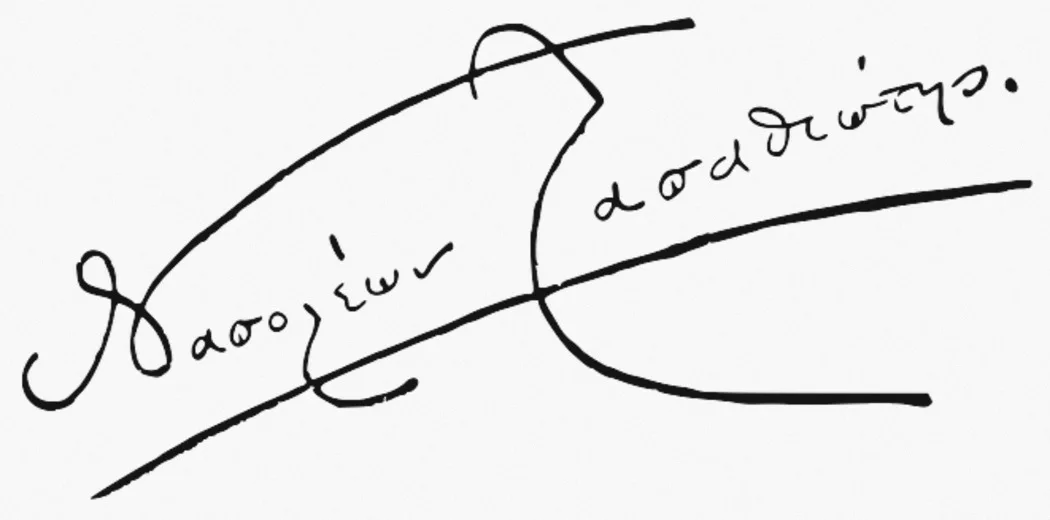
EXAMPLE 01
Clean white paper
Scanned signatures and evenly lit photos produce the crispest result. The paper disappears while the fine edges of the pen strokes remain smooth.
- Crisp black ink
- Automatic transparent margin removal
- Ready for Word and PDF
EXAMPLE 02
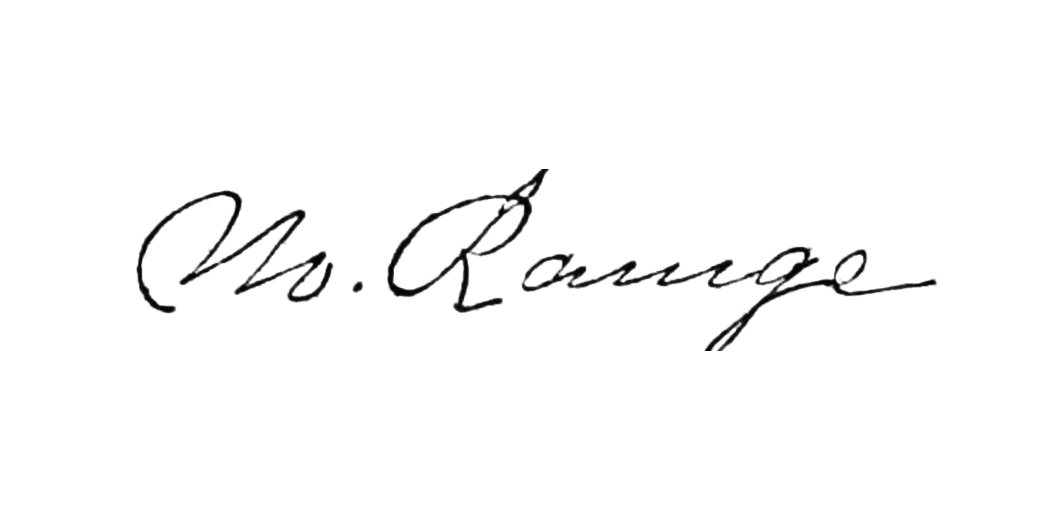
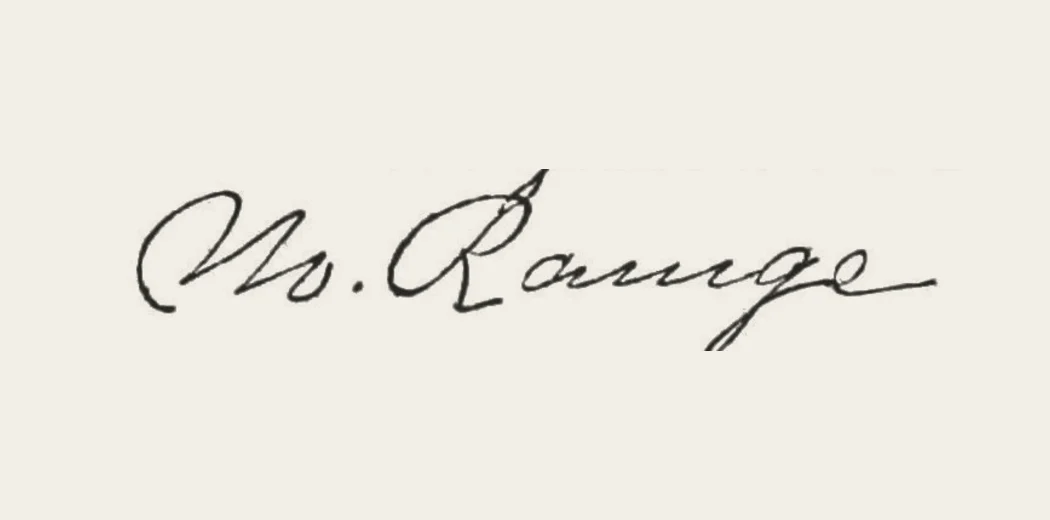
Faded scanned signature
Older scans often contain pale paper and thin, uneven ink. The background is cleared without turning the delicate cursive strokes into heavy black shapes.
- Fine strokes retained
- Faded paper removed
- Natural ink weight preserved


EXAMPLE 03
Blue ink on lined paper
Notebook rules and a colored margin can sit close to the handwriting. The tool removes those long, light lines while preserving the darker blue signature and decorative strokes.
- Blue ink preserved
- Notebook lines removed
- Decorative strokes retained
READY FOR DOCUMENTS
One clean signature.
Use it anywhere.
A transparent PNG sits naturally over any document color, without a white rectangle around it.
Create your transparent signatureQUESTIONS, ANSWERED
Signature background remover FAQ
Everything you need to create a clean transparent signature.
How do I remove the white background from my signature?
Upload a JPG, PNG, or WebP photo above. The tool estimates the paper color, separates the darker pen strokes, and creates transparency automatically. Adjust the removal slider if any paper remains, then download the PNG.
Is my signature uploaded or stored?
No. The image is processed by your browser on your device. It is not uploaded to our server, saved, or used to train a model.
What image gives the best result?
Use a sharp, well-lit photo with the signature on white or light-colored paper. Crop out hands, pens, printed text, table lines, and stamps when possible.
Can I keep a blue signature?
Yes. Choose Original to preserve the photographed ink, or select Blue to create a consistent blue result. Black and custom colors are also available.
Can I use the transparent signature in Word or a PDF?
Yes. Download the transparent PNG and insert it as an image in Word, Google Docs, a PDF editor, or a design tool. Only use a signature when you have permission to do so.
Why are some letters becoming faint?
Move Background removal slightly to the left to preserve lighter strokes. Increasing Edge softness can also make thin pen marks appear smoother.
PRIVATE BY DESIGN
Clean up your signature in seconds.
Free, local, and ready when you are.